Less retyping
Items and supported comments pass through the configured connection. Your team spends less time copying orders into the POS, reducing duplicate work and opportunities for mistakes.
TAP2DINE · INTEGRATIONS
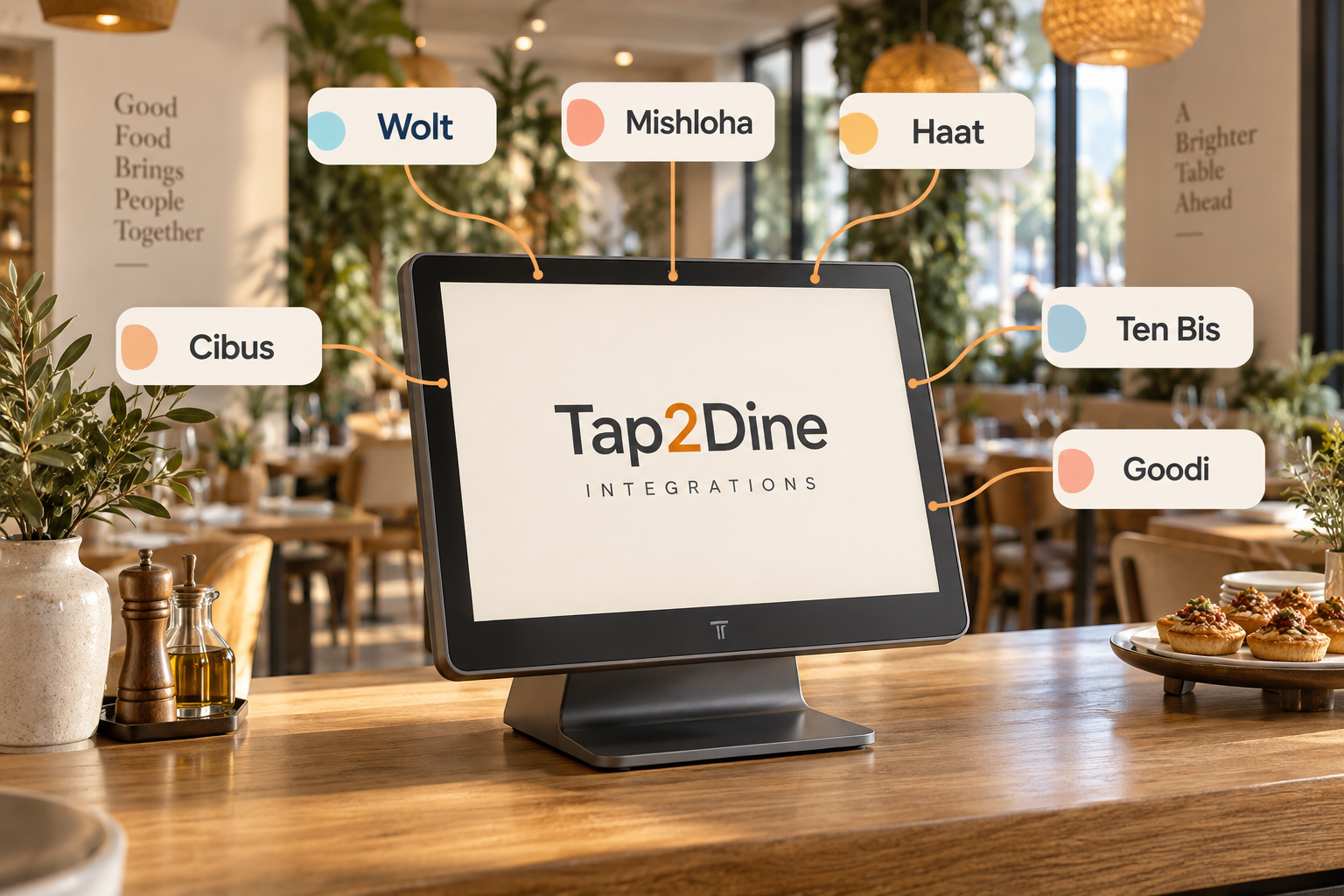
Damka helps connect Wolt, Mishloha, Haat, Cibus, Ten Bis, Goodi and other supported services with your restaurant system. Less manual order entry, with connected channels in one working process.
Start with the channels your restaurant needs. We check service availability and supported data before setup.
One order arrives in a delivery app. Another comes through a link. A team member retypes the next one into the POS while the kitchen waits. When channels work separately, staff have to watch several screens and repeat the same tasks.
The issue is the gaps between systems. Integrations help remove unnecessary steps between placing an order and fulfilling it, especially during the rush.
Items and supported comments pass through the configured connection. Your team spends less time copying orders into the POS, reducing duplicate work and opportunities for mistakes.
Connected channels feed an agreed workflow. Staff can see incoming orders and move them into preparation without piecing information together across separate apps.
We configure routing to a supported display or printer and test items, modifiers and comments so important details can reach the preparation team.
We agree which sources, statuses and data are available in the POS and reports. This makes it easier to understand connected channels and investigate delays.
Start where manual work costs your team the most time. Discuss other modules and branches gradually, checking compatibility and cost at each step.
A branded portal link can appear on Instagram, your website, Google profile or WhatsApp. Guests choose on their phones and orders enter through the configured connection.
A code at a table, counter or on packaging opens the ordering journey. Dine-in, takeaway, table association and available actions depend on the selected configuration.
Guests place orders themselves. A supported kiosk workflow connects with the POS, payment and kitchen so the order can move through the restaurant.
Discuss Wolt, Mishloha, Haat and the services you use. We verify connector availability, provider requirements and supported data before confirming a connection.
Cibus, Ten Bis and Goodi may be part of a supported configuration. Incoming orders and card / benefit connections are separate services.
POS, kitchen screens, printers and payment modules follow your selected workflow. We confirm equipment and functions for your venue.
Where do orders arrive? What is copied manually? Where does the team lose time? Start with real daily work.
Identify channels, branches, POS and kitchen destinations. Check compatibility and provider access.
Map menu items and supported options. Agree where each order should appear.
Run a test order through the agreed route. Check POS visibility and kitchen delivery.
Explain everyday actions and how to check an order. Training scope is included in the proposal.
Define the contact channel and service terms. Additional connections and changes are scoped separately.
One guest orders by QR, another at a kiosk and another through delivery. Finding and retyping every order adds pressure and room for error. A connected process helps the team spend more time preparing food and serving guests.
One workflow does not mean identical features across every service. Data, statuses, payments and reports depend on the available connector.
You do not need every connection at once. Choose a first step that addresses a specific operational problem.
Check how phone orders can enter your current configuration and reach the kitchen.
Review your platforms, available connectors and menu mapping. Choose a supported order route.
Agree branch settings, permissions and available reports. Scope modules and costs separately.
These are starting prices for individual services, not the cost of a complete system. Monthly fees and one-time setup are shown separately.
Prices in ILS, excluding VAT. Preliminary rates; Damka confirms the final scope and quotation.
Per branch. Connection type and supported functions must be confirmed. Incoming orders are not automatically included.
Per branch, for a selected supported service. Exact tariff scope is confirmed in the proposal.
For a supported connection. Billing unit and branch count are confirmed before launch.
For an existing supported connector. Services, branches and setup scope are agreed; new connector development is separate.
Per branch. Online payments and additional connections are priced separately.
Configuration of the payment connection, not purchase of a physical terminal. Provider terms are separate.
A service listed here is not a guarantee of compatibility with every configuration. We check connector availability, account access, modules and equipment before payment.
The rows are not an obligatory bundle. Some are alternatives; others apply only to a selected workflow.
We first check for a suitable connector and provider restrictions. Listed names are examples to discuss, not a promise of universal compatibility.
Not always. Order reception, card / benefit operations and online payment may be separate services with different terms and fees.
That depends on your POS, version and modules. We review the current setup before recommending changes.
Available sources, statuses and financial data depend on the integration. A demonstration will clarify what your configuration can show.
Your order channels, number of branches, current POS and an example of manual order entry. Account access is discussed separately during setup.
TAP2DINE · INTEGRATIONS
Tell us where orders arrive and what your team copies manually. Damka will help identify the connections and next step that fit.
+972 52-692-3399If the form does not appear: open it in a new tab