Details within sight
Dishes, recorded extras and notes arrive through a supported connection. The team can check the order instead of relying on memory.
TAP2DINE · KITCHEN DISPLAY SYSTEM
Dishes, changes and preparation notes in front of the people cooking. A kitchen display helps the team follow incoming orders and the agreed preparation workflow.
Order channels, statuses and available data depend on supported connections and configuration.
WHEN SERVICE GETS BUSY
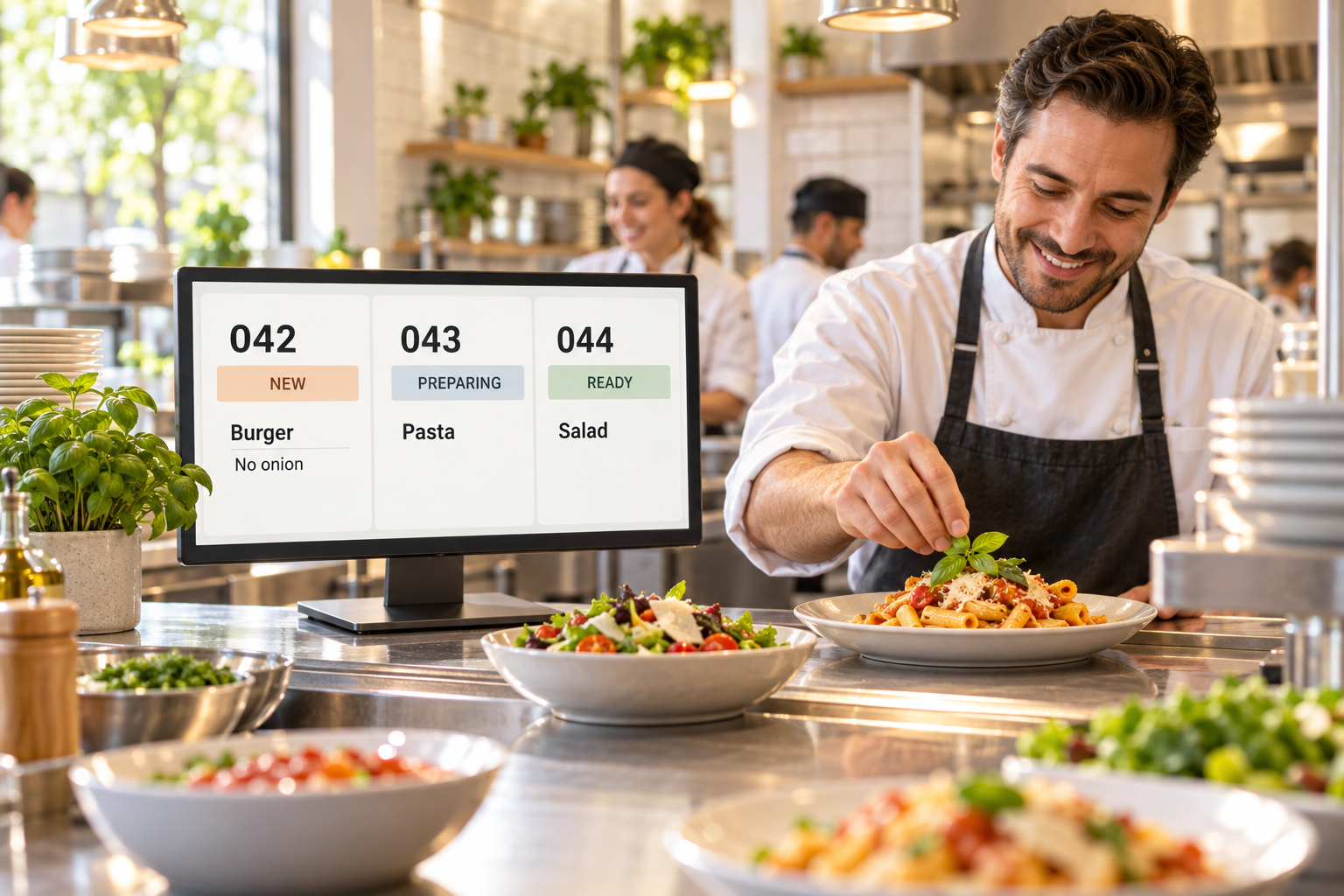
The till is taking payment. A guest asks for no onion. The pickup team checks what is ready. When details travel by voice or have to be found on tickets, the team spends attention on clarification.
KDS gives the kitchen a working screen with incoming order details. It helps connect order taking, preparation and handover.
Dishes, recorded extras and notes arrive through a supported connection. The team can check the order instead of relying on memory.
Incoming orders are available on the working screen. Processing order and available statuses follow the supported, agreed workflow.
When an order source is connected, agreed details reach the kitchen without being copied again. Compatibility is checked first.
MORE THAN A DISH NAME
A useful display presents information the team can cook from. In the demo, we will check your dishes, options and typical preparation notes.
Illustrative order · not the product interface
1 portion
Example order information. Fields and actions are confirmed in the demo.
FROM ORDER TO HANDOVER
The guest orders through a connected POS, kiosk or another supported channel.
Agreed order details reach the kitchen display.
The team checks dishes and changes, using available actions and statuses.
The finished order moves to handover through the agreed kitchen and pickup process.
We start with where orders arrive today. Each required route from the POS, kiosk, QR, website or external delivery service is checked separately.
These are possible sources, not a promise of a ready connection to every service. Phone and spoken orders need to be entered into a connected system.
The display is only part of the setup. We also check the data that reaches it, tracing a specific order from its source to preparation.
Find your kitchen setup ↗BUILT AROUND YOUR KITCHEN
We review who takes orders, who prepares food and who handles pickup. Then we define the equipment, software module and required connections.
Your POS, ordering channels and the information staff currently copy by hand.
Where the team can see the display, the number of preparation areas and your local network.
A modified dish, connected order channels, handover and an agreed fallback process.
We check the hardware, software and required order route. Compatibility with every POS or delivery service is not assumed.
The POS records the sale. A digital menu presents choices to guests. KDS is the working screen for the team preparing orders.
Not necessarily. A supported kitchen printer can be used instead of or alongside KDS. Buying a printer does not itself require a KDS subscription.
Specific timers, priorities, statuses, routing and reporting must be checked against the current release and configuration. We demonstrate and agree the required scenarios before purchase.
KDS is a separate software-and-service module; equipment is priced separately. The proposal separates hardware, installation, recurring fees and any external-provider charges.
Operation depends on the configuration, local network, internet and connected providers. Training, support hours, on-site visits, replacement hardware and fallback procedures are agreed separately. No blanket 24/7 support or full-offline promise is made.
The display helps organise information. Handover speed and error rates also depend on the team, menu, demand and kitchen processes. A fixed improvement is not guaranteed.
A GUIDE TO COST
A display, printed tickets or both — selected around the way your team works.
Software and service
per month, per screen
one-time · equipment
Mounting, installation and setup are separate. A 22″ screen is quoted by model.
Get a quote for my businessSEWOO 202 · LAN · 80 mm paper
one-time · equipment
Equipment price only. Connection, configuration, support, maintenance, paper and technician visits are specified in the proposal. A printer does not require a KDS subscription.
Wi-Fi alternative: ₪1,250 for equipment; model to be confirmed.
Get a quote for my businessQuoted for your kitchen
A display for incoming work, printed tickets where needed. We select device quantities, connections and workflow; you do not have to buy both.
Get a quote for my businessHardware prices exclude installation and connection. POS, network and order-channel compatibility are checked separately.
All prices exclude VAT. Catalog estimates; prices, availability and final configuration are confirmed in an individual proposal.
START WITH YOUR KITCHEN
Tell us about your business and current system. Dima will discuss a suitable workflow and demonstrate the available features.
+972 52-692-3399If the form does not appear: open it in a new tab