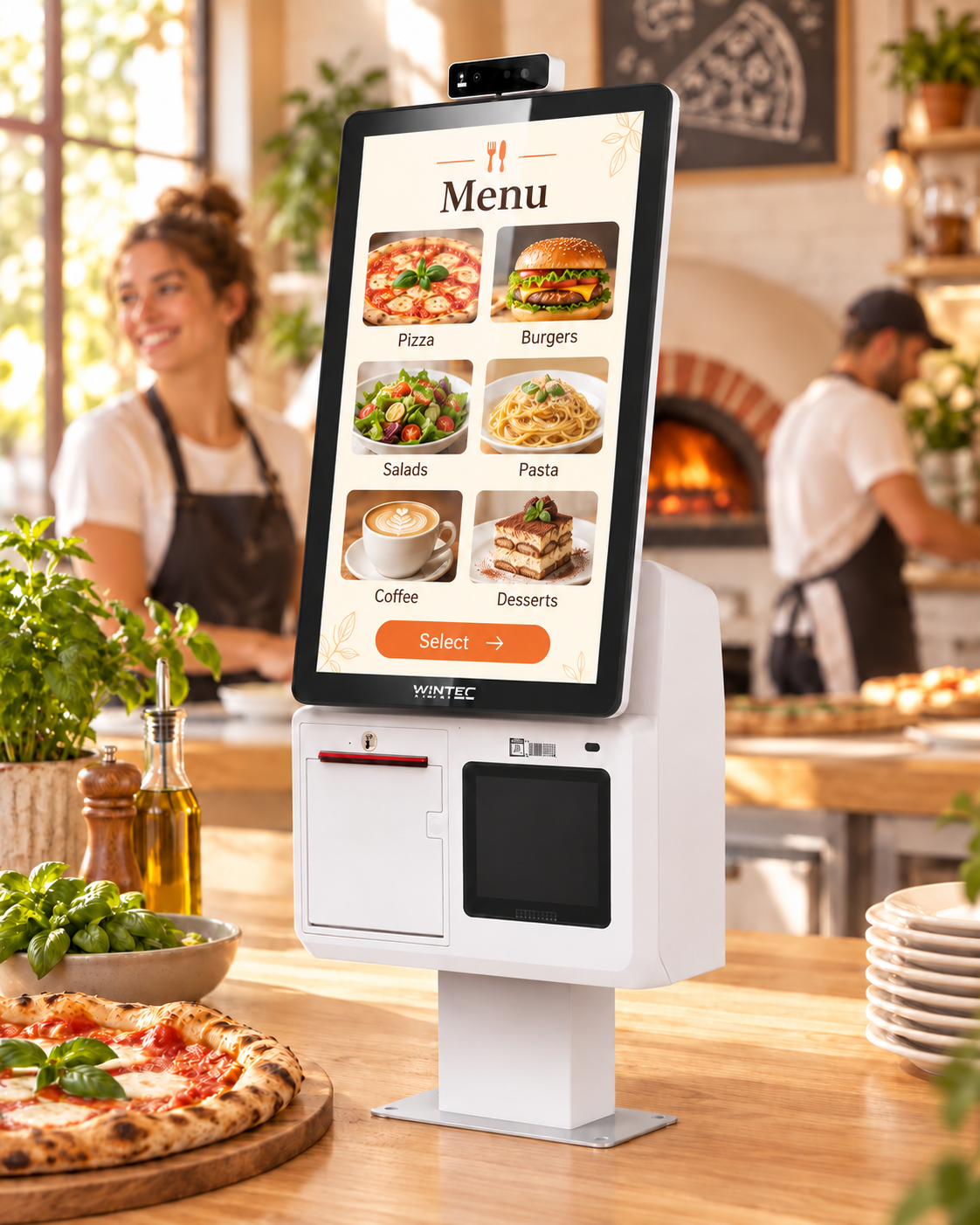
Guests can see what they are ordering.
What the dish looks like, what is in it and which extras are available — it is all in the on-screen menu. Guests can explore the options and build an order to their taste.
Tap2Dine · Self-service kiosks for cafés, pizzerias and fast food
Dish photos, ingredients and extras are all on screen. Guests choose and review their order before paying. Less miscommunication at the till means fewer order mistakes.
The Tap2Dine kiosk is a touchscreen where guests choose dishes from photos, add their favourites, check the total and pay for their order.
While the cashier serves other customers.
We’ll show you how guests place an order, discuss your venue and explain the cost of getting started.
FOR THE OWNER
What the dish looks like, what is in it and which extras are available — it is all in the on-screen menu. Guests can explore the options and build an order to their taste.
While one guest orders on screen, the cashier serves another. The kiosk handles part of the ordering workload — especially useful when finding another employee is difficult.
Guests select the available extras and changes themselves, then review their order and total before paying. The team receives those details with the order: fewer verbal clarifications and fewer reasons to remake a dish.
In the demo, we’ll discuss where delays happen today — at the till, in the kitchen or at collection — and what a kiosk could help with in your venue.
Find out if a kiosk suits my businessEXTRAS WITH EVERY ORDER
The kiosk displays relevant extras configured for your menu. Guests see the offer and decide what to add to their order.
On the kiosk, suggestions become part of the selection process: guests see a relevant extra on screen and can add it to their order.
You decide in advance which extras to suggest with dishes on your menu. Guests see the suggestion and its price, choose what to add, and the total updates on screen.
An extra opportunity to increase order value, without the cashier having to remember every offer.
HOW GUESTS ORDER
Dishes, extras and changes are brought together in one order. Guests can review their choices before paying. There is no need to explain every detail to the cashier — ordering becomes simpler and faster, with less room for miscommunication.
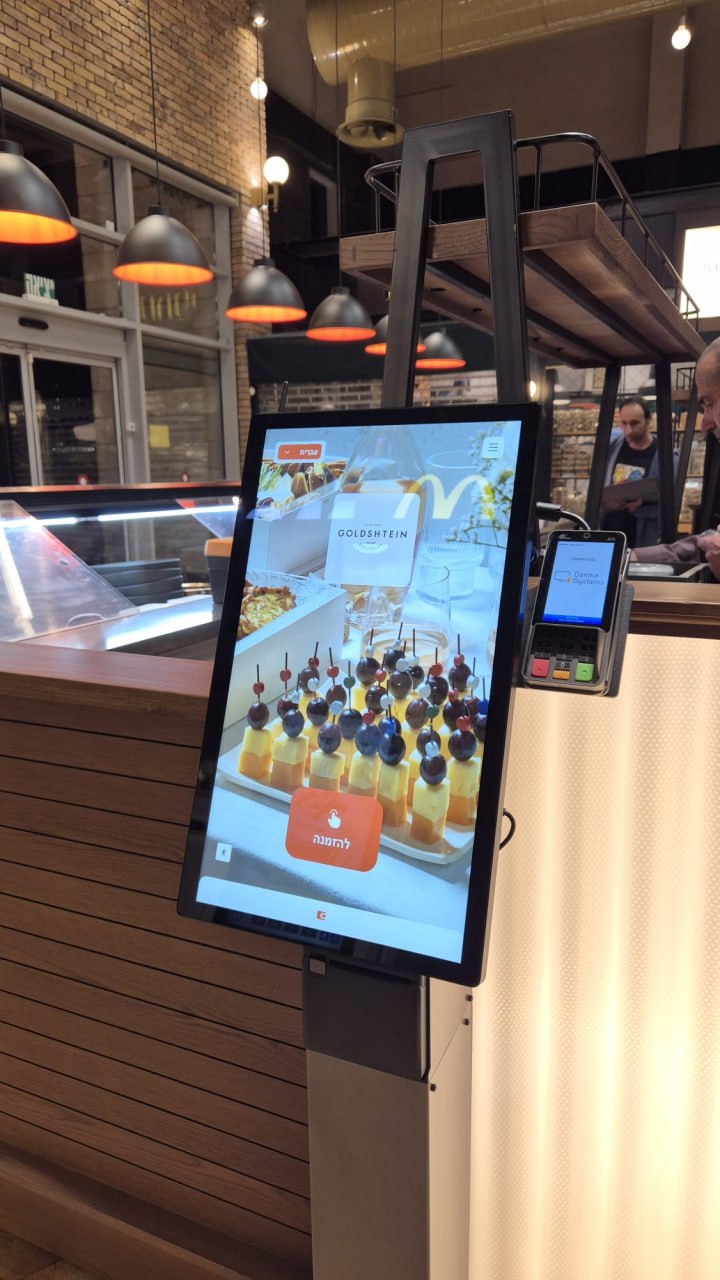
Add cheese, remove onion, choose a sauce — you decide which options appear on your menu. Guests select what they want, and the details are saved with the order.
The selected items, included extras and total price. Guests can review their choices before confirming.
Once the connection is configured, the order and selected extras reach the kitchen display or printer. The team sees what to prepare while the cashier serves the next guest.
See how it could work in your venue. In the free demo, we’ll walk through the full order journey and discuss connecting the kiosk to your till and kitchen.
See the kiosk in action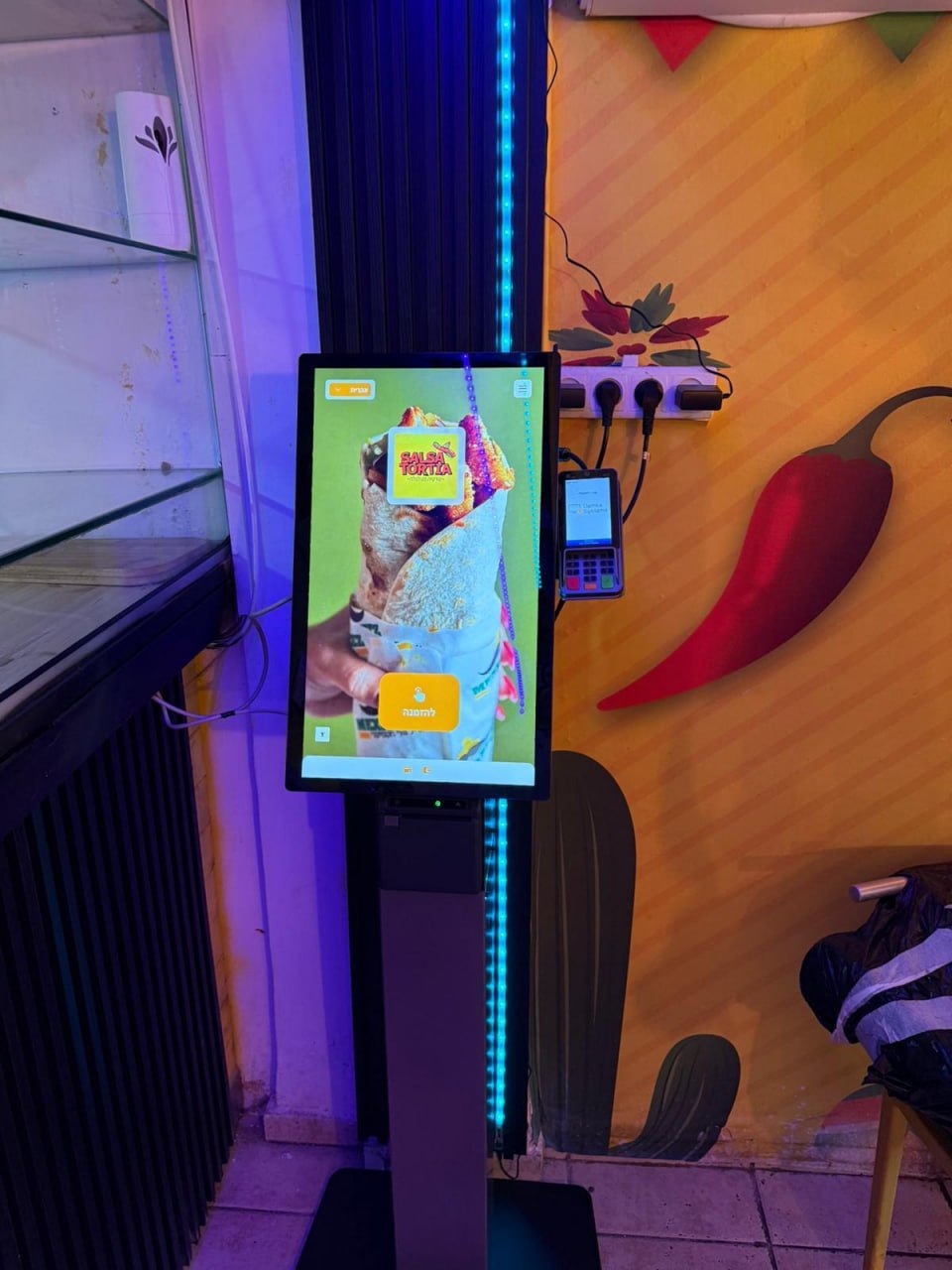
GETTING STARTED AT YOUR VENUE
The first guests are already at the screen. Your staff need to know how to help them choose, where to find the order and what to do next. That’s why preparation starts well before the first paid order.
We’ll help prepare dishes, prices and photos, and set up extras and suggestions. Guests should be able to find what they want easily, and the kitchen should receive a clear order.
We’ll look at where to position it so guests notice the screen and the queue doesn’t block collection. We’ll check your till, select the equipment and agree on payment connections and the route to the kitchen in advance.
We’ll show staff how to use the kiosk day to day and test the full journey: choosing a dish, adding extras, paying and sending the order to the kitchen. It’s better to resolve questions before hungry guests gather at the counter.
Before installation, you’ll understand what the setup includes, what it costs and what help you’ll receive afterwards.
Discuss a kiosk setup for my venuePRICING
Owners need to understand the full budget: equipment, setup and monthly costs. Here are the starting figures.
one-time payment
A compact kiosk with a 15.6″ screen in its base configuration. We’ll help choose the model and placement for your venue. The payment terminal, mounting, printer and any other required components are specified in the proposal.
per month, per kiosk
Equipment is purchased separately. The scope of service is agreed before connection.
Delivery, installation, required connections and site preparation are quoted separately. The payment terminal, its connection and monthly service are also charged separately. If you need cash acceptance, we’ll select a suitable option; it is not included in the base equipment price.
All prices exclude VAT. Final pricing and configuration are confirmed in an individual proposal.
In the free demo, we’ll show the kiosk in action and discuss your till, menu and installation space. We’ll explain what makes up the setup cost and which expenses recur monthly, so you can decide whether the investment fits your business.
Book a free demo and discuss pricingQUESTIONS BEFORE YOU BUY
We’ll check compatibility before you buy.
We’ll look at how to connect your till, payments and kitchen, and explain which equipment you can keep and what you’ll need to add.
We’ll select placement to suit your space.
We’ll consider walkways, queues and collection. The kiosk should be visible to guests and convenient for the team.
They can still order with the cashier.
Guests choose the option that suits them. A staff member can help anyone using the kiosk for the first time.
Yes — with cash-handling equipment.
We select and price it separately; it is not included in the compact kiosk’s base price.
We’ll start with your orders and costs.
During the demo, we’ll discuss demand at the till and in the kitchen, opportunities for additional sales and setup costs. This helps you assess the investment. The payback period depends on how your venue operates.
Free demo: see how the kiosk works and discuss pricing for your venue.
FREE DEMO
In the free demo, we’ll show you the full process and discuss your venue.
We will discuss your menu and team workflow: which ordering tasks the kiosk can handle and how to make choices clearer for guests.
We’ll ask about your till, payment methods and how orders reach the kitchen, then explain what needs checking before launch.
We’ll explain equipment, setup and monthly costs.
You can decide whether to buy after seeing the kiosk work and understanding the terms.
The demo is free, with no obligation to buy. Leave your contact details — we’ll get in touch to arrange a demonstration.
+972 52-692-3399If the form doesn’t appear:open the form in a separate tab