Ease pressure at the counter
Some guests enter their own orders. Your cashier does not need to key in every selection for every customer.
TAP2DINE · SELF-ORDERING KIOSK
An additional ordering point inside your restaurant. Guests choose their food, add available options and use the supported payment flow. Your team receives the order through the agreed setup.
We review your menu, guest flow, POS and installation needs. A demo comes with no purchase obligation.
Menu → choices and extras → order review → payment → supported kitchen screen or printer.
01 / TAP2DINE
At busy times, the cashier is taking orders, explaining the menu and handling payments. If order-taking is the bottleneck, an additional ordering point can ease pressure at the counter.
A kiosk gives guests a way to order for themselves. Your team can focus on handover, helping customers and service. Preparation speed still depends on the kitchen.
FOR THE OWNER
Some guests enter their own orders. Your cashier does not need to key in every selection for every customer.
Configured drinks, sides or dessert suggestions can become part of the ordering journey when enabled.
Guests see their items, available changes and final price before confirming.
Staff remain available for assistance, handover and oversight. A kiosk does not replace every employee task.
We agree the supported path from payment to kitchen screen or printer and test it during setup.
We consider counter space, guest movement, power, networking and a suitable hardware mounting format.
Results depend on demand, menu design, guest adoption, staffing and kitchen capacity. No fixed sales increase, staffing reduction or queue-free service is promised.
RELEVANT EXTRAS
During a rush, the cashier may not have time to offer a drink or dessert. A kiosk can show configured suggestions as guests choose. The decision stays with the guest.
Illustrative scenarios, not a promise of a particular interface. Available offers are checked for the selected release. Advanced discount rules require separate confirmation.
FOR YOUR GUESTS
Photos, prices and descriptions help guests browse. The restaurant supplies and approves menu content.
Extras and changes follow the configured menu. Guests select the options that suit them.
Selected items and the total are visible so guests can check their choices before confirming.
Guests can use the kiosk while the counter is busy. Your team can help when needed.
ONE ORDER FROM START TO FINISH
The guest opens the menu and selects an available language and order type.
They add items and enabled options, then review the order.
They follow the supported payment flow. Methods depend on the hardware and provider.
Order details reach the agreed supported output. An order number or receipt follows the configured flow.
YOUR BUSINESS FORMAT
A repeatable menu and pressure at order-taking make a kiosk worth considering. We assess the right scenario against your actual operation.
We start with your menu, existing POS and guest flow. Then we agree hardware and connections, prepare content, test ordering and payments, and explain daily operation to your team.
Software, hardware, installation and payment or other provider services are separate parts of the offer. Support hours, site visits, training and equipment replacement follow the agreement. Operation depends on networking, internet and external services.
Compatibility is checked for the specific system, release and workflow. We do not promise a connection to every POS or that all existing equipment can be retained.
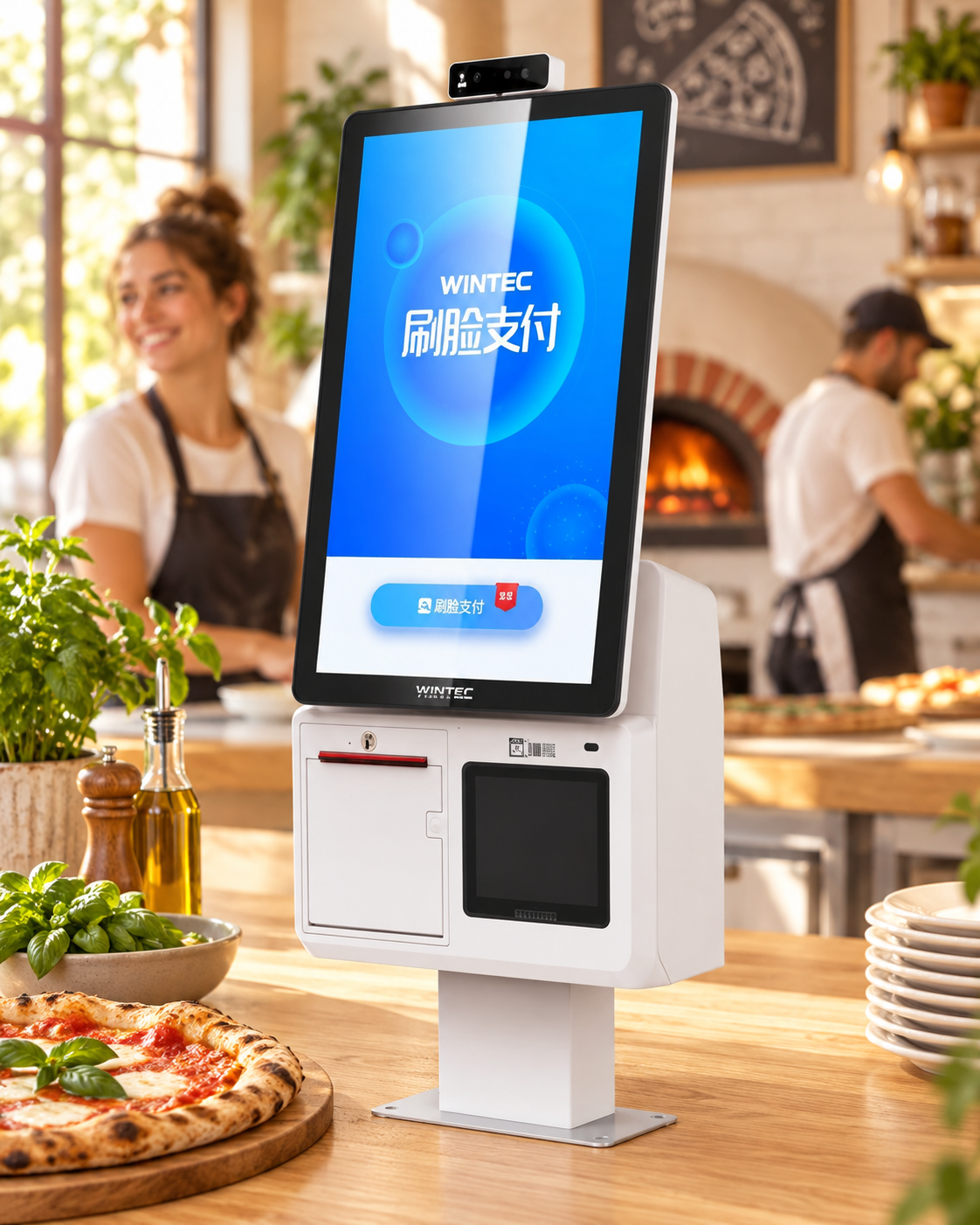
The photo shows one equipment example. Visible modules are not automatically included in your quote. Cash, card and other payment methods must be confirmed for the chosen hardware and provider.
It can take on part of order entry. Guest assistance, handover, cooking and oversight still need your team. A staffing reduction is not guaranteed.
Through the agreed setup, to a supported printer or kitchen screen. KDS, equipment and related services may be charged separately.
The quote depends on software, hardware, setup, connections and service. We first clarify the requirements, then prepare an offer.
Available extras and suggestions depend on settings and the product release. Advanced discounts, ValueCard and specialist workflows need separate confirmation.
A GUIDE TO COST
Choose suitable equipment and add the software. Include further options when your operation needs them.
one-time · equipment
Base N97 configuration. The image illustrates the equipment family; the contents of the package are confirmed in the proposal.
per month, per kiosk
Subscription for one selected kiosk station. Hardware is purchased separately.
The EMV terminal, its setup and monthly service, delivery, installation and infrastructure work are separate. Mounting, printer and other accessories depend on the agreed package.
All prices exclude VAT. Catalog estimates; prices, availability and final configuration are confirmed in an individual proposal.
Get a quote for my businessScreen size and model, mounting, payment method, POS and kitchen connections, required setup and installation conditions. We check compatibility with existing equipment before quoting.
LET’S START WITH YOUR RESTAURANT
Tell us about your business and current POS. Dima will discuss a suitable setup and walk through an order in a demo.
+972 52-692-3399If the form does not appear: open it in a new tab