For the owner: records to work from
Available transaction documents and reports provide a basis for reviewing sales. When a question comes up, start with recorded operations rather than relying only on the team’s recollection.
TAP2DINE POS · BY DAMKA SYSTEMS
Every order, change and payment affects the shift. Tap2Dine helps bring them into one process — from cashier and kitchen to records the owner can review. A table-management package is available for seated service.
From ₪179 per month, per POS station, before VAT. Proposed rate, subject to confirmation. Hardware, configuration and installation are separate.
WHAT YOU ARE REALLY PAYING FOR
An owner cannot stand beside every cashier or check every kitchen handoff. You need a process with recorded details, defined access and sales you can review. That is the value of a POS setup matched to your operation.
Available transaction documents and reports provide a basis for reviewing sales. When a question comes up, start with recorded operations rather than relying only on the team’s recollection.
Additions and comments stay with the order and reach the configured kitchen output. Staff can work from the same recorded details instead of several spoken versions.
“No onion” or “sauce on the side” needs to reach the person preparing the food. POS helps carry these details through the workflow; staff still check preparation and handover.
Start with the service format you need. Add channels and equipment when their role in your business is clear. Agree the scope and cost of each stage before proceeding.
An order is entered, but the kitchen misses a detail. Changes are passed on verbally. The queue grows at peak time, and payments need a manual check at closing. If that sounds familiar, start with the part of your operation that needs the most attention.
The POS is your operational starting point: a consistent way for staff to record orders and sales, with information the owner can review.
Record menu items, additions and comments when taking the order. Less reliance on remembering what the guest asked for.
Connect a supported payment terminal to the selected configuration. Handle sales and transaction documents through an agreed process.
Send order details to a supported printer or kitchen display. KDS is a separate module.
Available reports and transaction records help you review the shift. We will demonstrate the reporting scope.
Users, permissions and basic employee clock-in and clock-out. This is not payroll software; biometric identification is optional and separate.
Add a kiosk, online ordering or other supported connections through an agreed plan. You do not need every module on day one.
BUILT AROUND YOUR SERVICE
For businesses where guests usually order and pay at the counter. Sales, menus, order notes, transaction documents and core records.
For seated service. Adds a table map and orders and bills managed by table. This is a separate subscription package.
How orders arrive, how many POS stations you need, whether you serve tables and what equipment you already have.
Check an order with additions, payment, kitchen handoff and the reports you need in a demo of the available version.
Define hardware, menu configuration, connections, installation, training and service terms separately.
ONE ORDER, THE WHOLE PROCESS
An illustrative workflow to check in a demo for your own business.
A staff member selects the sandwich, records the change and adds a drink. The details do not stay only in a conversation.
The order follows the configured payment flow. The result and documents are handled through the supported connection.
A supported printer or separately connected KDS receives preparation details. The team can see the recorded request.
An authorized user checks the available records and reports to review sales. We demonstrate the actual fields and reporting scope.
VALUE BEYOND THE SCREEN
Even good hardware cannot do the whole job. The menu needs to match what you sell. The printer needs to receive the right orders. Staff need to know the workflow. Compare proposals by the complete agreed scope of work.
Agree the items, additions and notes your team needs every day. Menu configuration is quoted separately.
Check compatibility between the POS, payment terminal and kitchen output. Owning a device does not mean every connection is supported.
Agree configuration, workflow checks and training as part of the launch scope. Define what Damka provides and what the business needs to prepare.
Remote support and updates follow the agreement. Service hours, visits and extra work are defined separately so you know where to turn after installation.
Control starts when orders, payments and the team’s work become part of the same process.
UNDERSTAND THE COST
These are proposed catalogue rates for confirmation with Dima. They cover software and service per POS station, not a complete equipment package.
per month, per POS station
Core POS functions for counter service. Table management is not included.
per month, per POS station
per month, per POS station
POS functions, a table map, and orders and bills managed by table.
per month, per POS station
* All prices exclude VAT. The catalogue marks the ₪179 and ₪279 base rates as proposed for approval; the ₪226 and ₪326 totals use those rates. Final prices and service scope are confirmed in the quotation.
The additional ₪47 per month covers service for one physical EMV terminal. Terminal hardware, setup and payment-provider fees are charged separately.
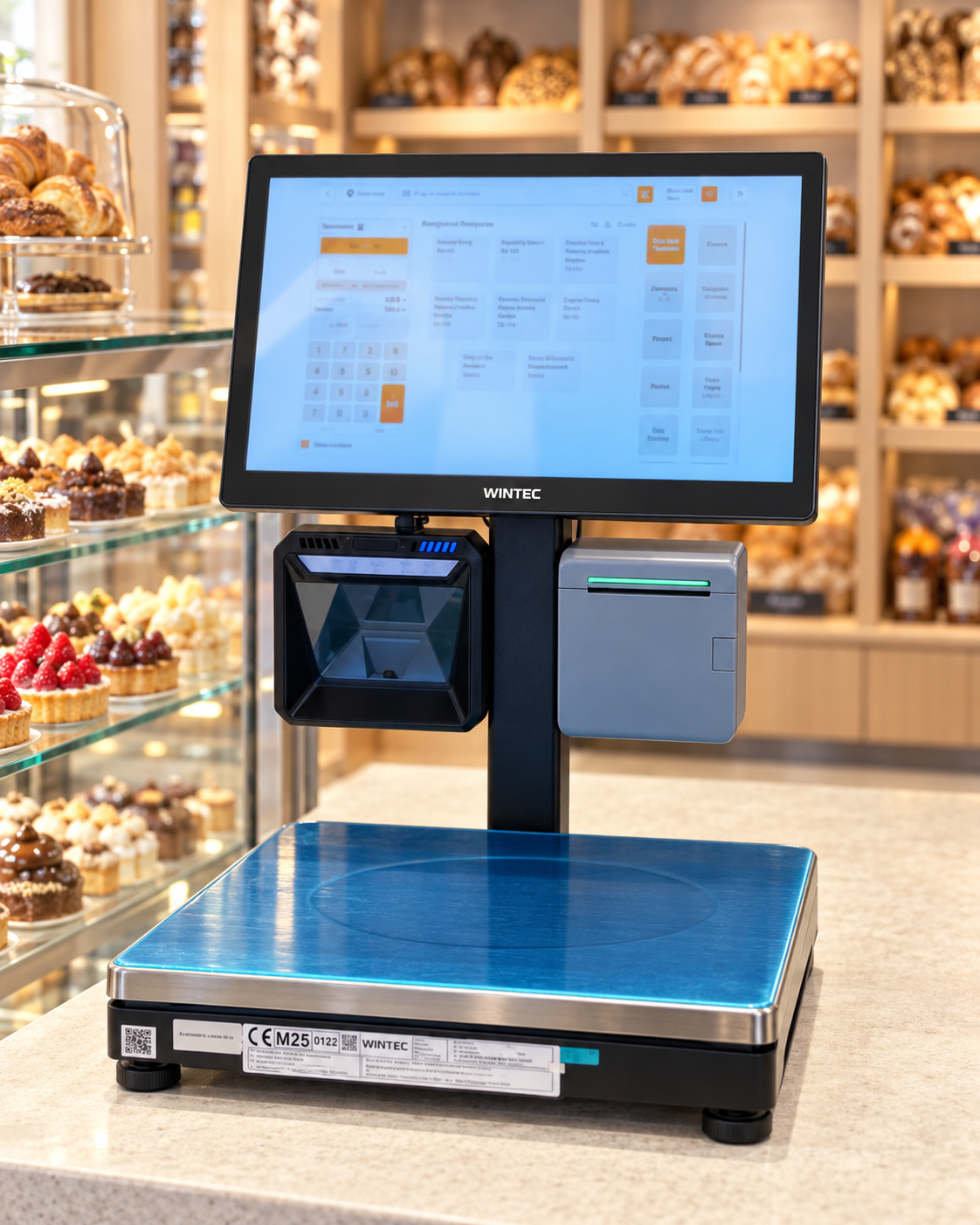
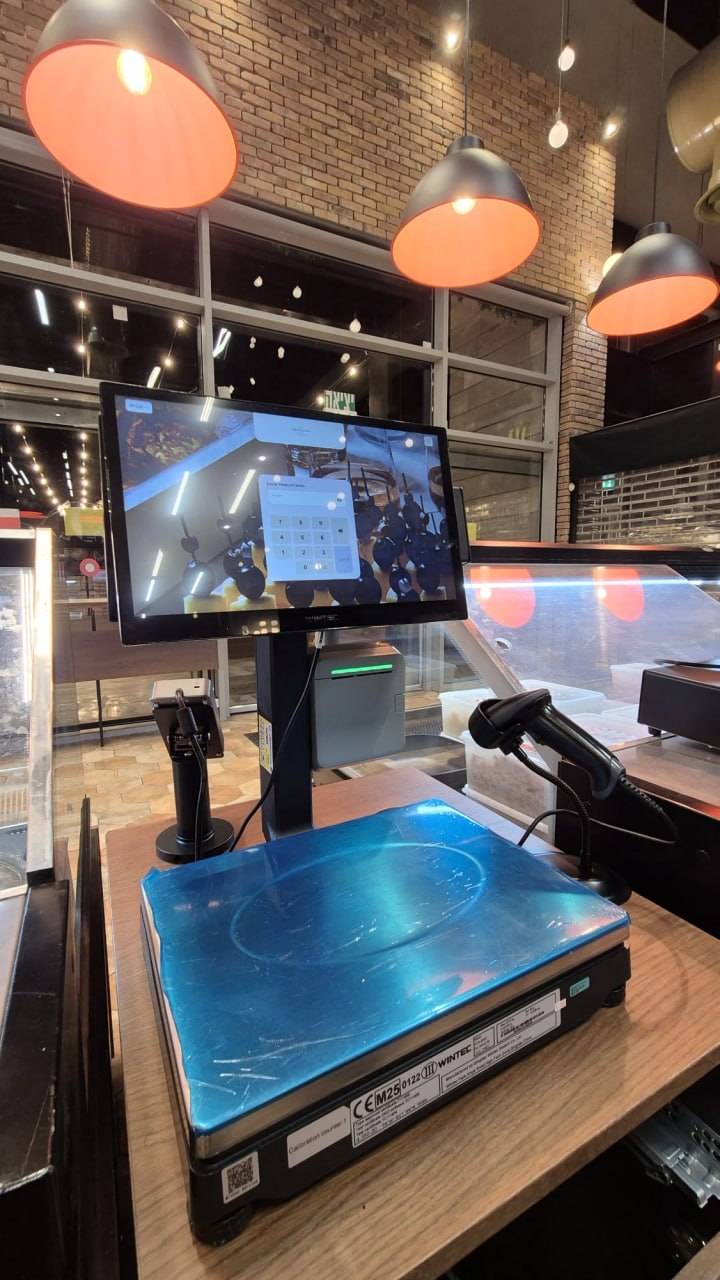
Equipment, menu configuration, installation, delivery, infrastructure and additional modules. The photo shows an installation example, not a ₪179 equipment package.
Each POS station is billed at the full rate for its chosen package. The subscription does not include buying the hardware. Remote support and updates follow the service agreement.
We first check your system, equipment and required connections. Reusing parts of the setup depends on compatibility; migration and configuration are agreed separately.
No. Start with POS if that fits your needs. Kiosks, KDS and online ordering are separate modules, selected by need, compatibility and availability.
Cloud services and connections need stable internet. Full offline operation is not guaranteed; interruption scenarios must be checked for your configuration.
It helps organize work and review sales. Results also depend on demand, menus, staff and implementation. No fixed revenue increase or error reduction is guaranteed.
Tell Dima what slows your operation down today. A useful demo should show how to enter your order, take payment, pass details to the kitchen and review the records. Then you can judge both the setup and its cost.
Find the right POS for my restaurantSTART WITH YOUR SHIFT
Tell us about your business. Dima will help define a suitable setup and show the relevant workflow in a demo.
+972 52-692-3399If the form does not appear: open it in a new tab