Easier, faster ordering
Customers can order with a cashier, at a kiosk, by scanning a QR code or through an online link. They can choose dishes, add extras and see the total without feeling rushed at the counter.
 Book a demo
TAP2DINE · DAMKA SYSTEMS · ISRAEL
Modern POS systems, self-service kiosks and QR ordering can take on some of the workload and help increase sales.
Tap2Dine helps food businesses take orders beyond the counter: customers can order at a kiosk, scan a QR code or use an online link, while the team receives each order through a clear, organised process.
Free demo — no obligation to buy.
For fast food outlets, cafés, pizzerias, bakeries, pastry shops, takeaway businesses and small chains.
POS, kiosks and online ordering. For your business.
Equipment / Setup / Training / Support
Taking an order is only the beginning. It needs to reach the team quickly, be clear to the kitchen, have its payment handled correctly and stay on track during busy periods.
Customers can order with a cashier, at a kiosk, by scanning a QR code or through an online link. They can choose dishes, add extras and see the total without feeling rushed at the counter.
When some orders come through a kiosk or online, the cashier doesn't have to enter every order manually. The team has more time for payments, handover and customers who need help.
Extras, notes and changes travel with the order so the kitchen can see what to prepare. Fewer verbal checks, missed details and trips between the counter and the kitchen.
Orders and sales in one workflow. We'll show you the reports available in your chosen solution during the demo. Tap2Dine can be built around your business: start with the essentials and add capabilities as you grow.
Tap2Dine helps connect ordering, payment, kitchen preparation and handover in one clear process — without unnecessary pressure on the team.
TAP2DINE · DAMKA SYSTEMS
One business needs a faster POS. Another needs a kiosk to ease the queue. A third needs online ordering so that every order doesn't have to arrive by phone or message. Tap2Dine can bring together the solutions your business actually needs.
 01
POS · CHECKOUT
The POS helps staff take orders quickly, process payments, make changes and view sales in one place. When the system is clear to the team, the shift runs more smoothly: less confusion, fewer unnecessary questions and more control for the owner.
For cafés, pizzerias, bakeries, fast food and takeaway businesses that need to serve customers quickly and keep track of sales.
More about POS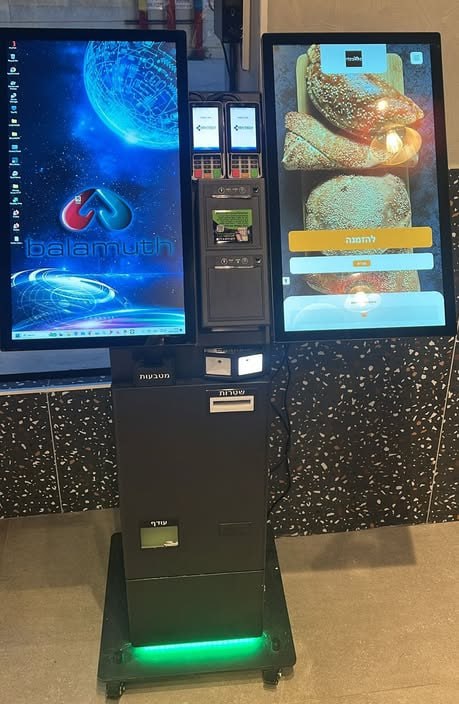 02
SELF-SERVICE KIOSK
Customers choose dishes, extras and a payment method on the screen. The cashier doesn't enter every order manually, the queue moves faster, and the team can focus on handover, preparation and guests who need help.
A kiosk doesn't get tired or forget to suggest an extra, a drink or a dessert. This can help increase the average order value without pressuring customers or adding to the cashier's workload.
More about kiosks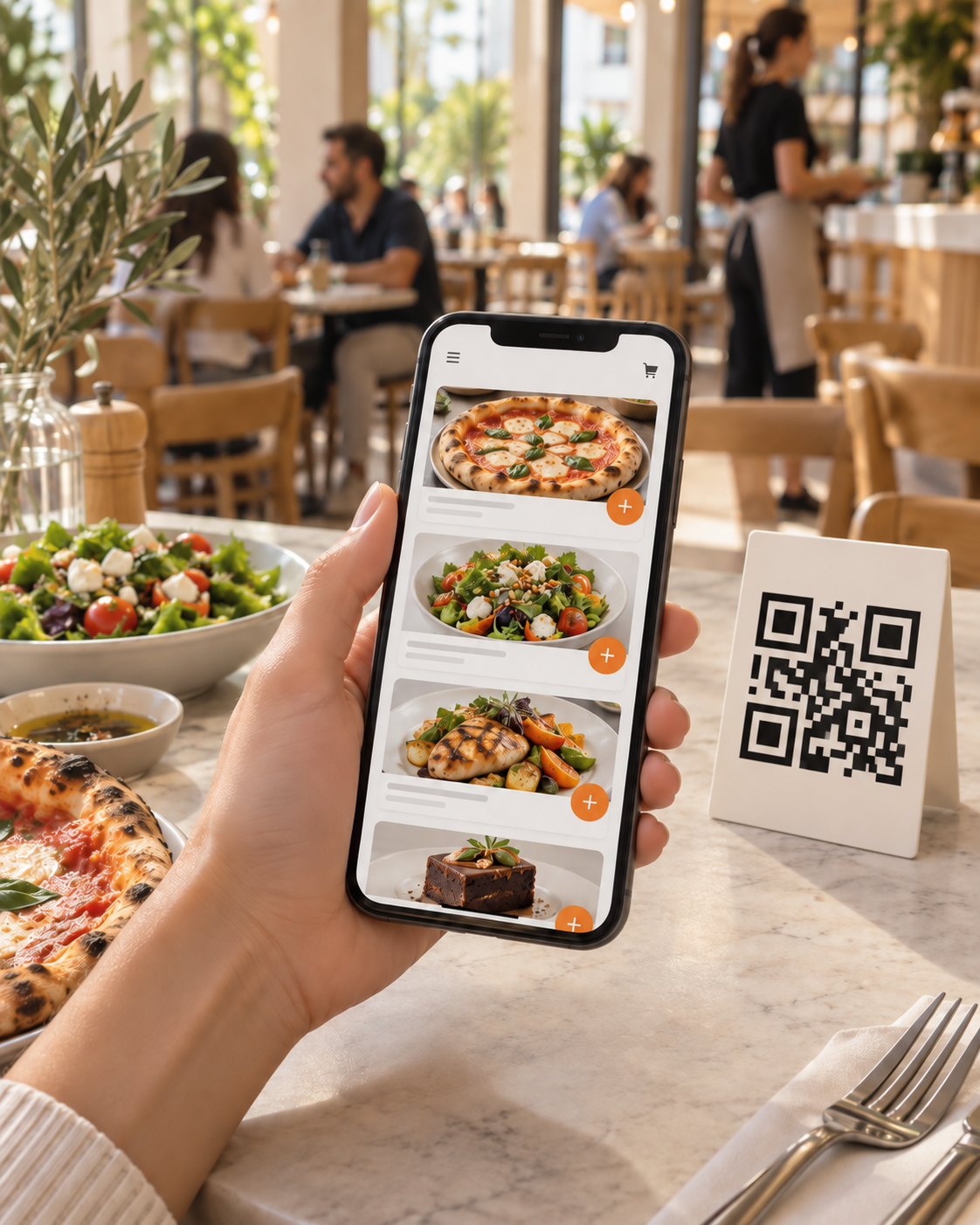 03
QR / ONLINE ORDERING
Customers open the menu through a QR code or link, choose dishes, add notes and submit their order without a long exchange of messages. The team receives a clear order instead of having to copy details from a chat.
For businesses that take advance orders, offer takeaway, receive enquiries through social media or want to make ordering by phone simple.
More about online ordering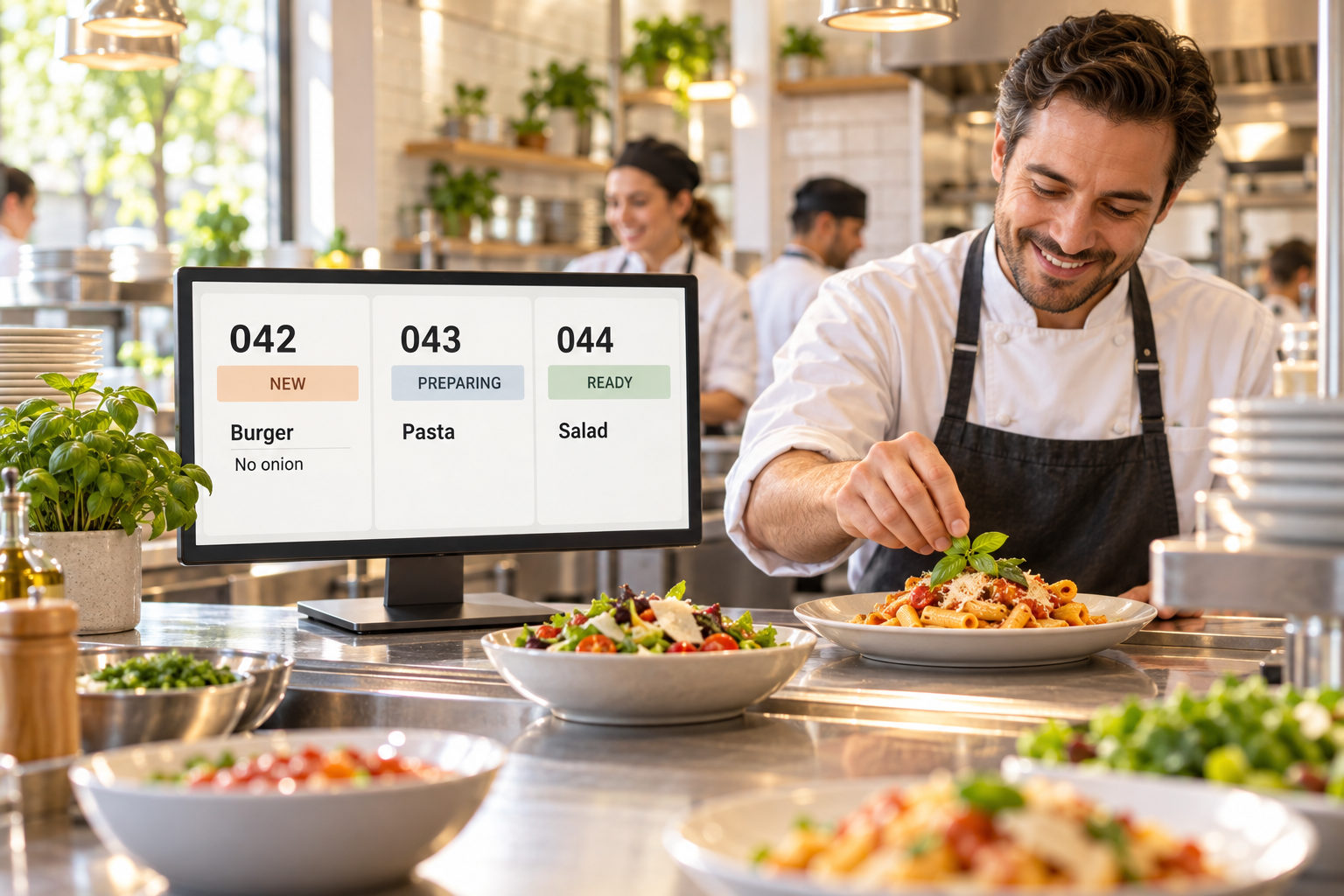 04
KDS · KITCHEN DISPLAY
Orders, extras and notes shouldn't get lost between the POS, tickets and verbal instructions. A kitchen display shows incoming orders and key details so the team can see what to prepare and which requests to follow.
For kitchens with many orders, several ordering channels, frequent changes to dishes or repeated questions between the counter and the kitchen.
More about KDS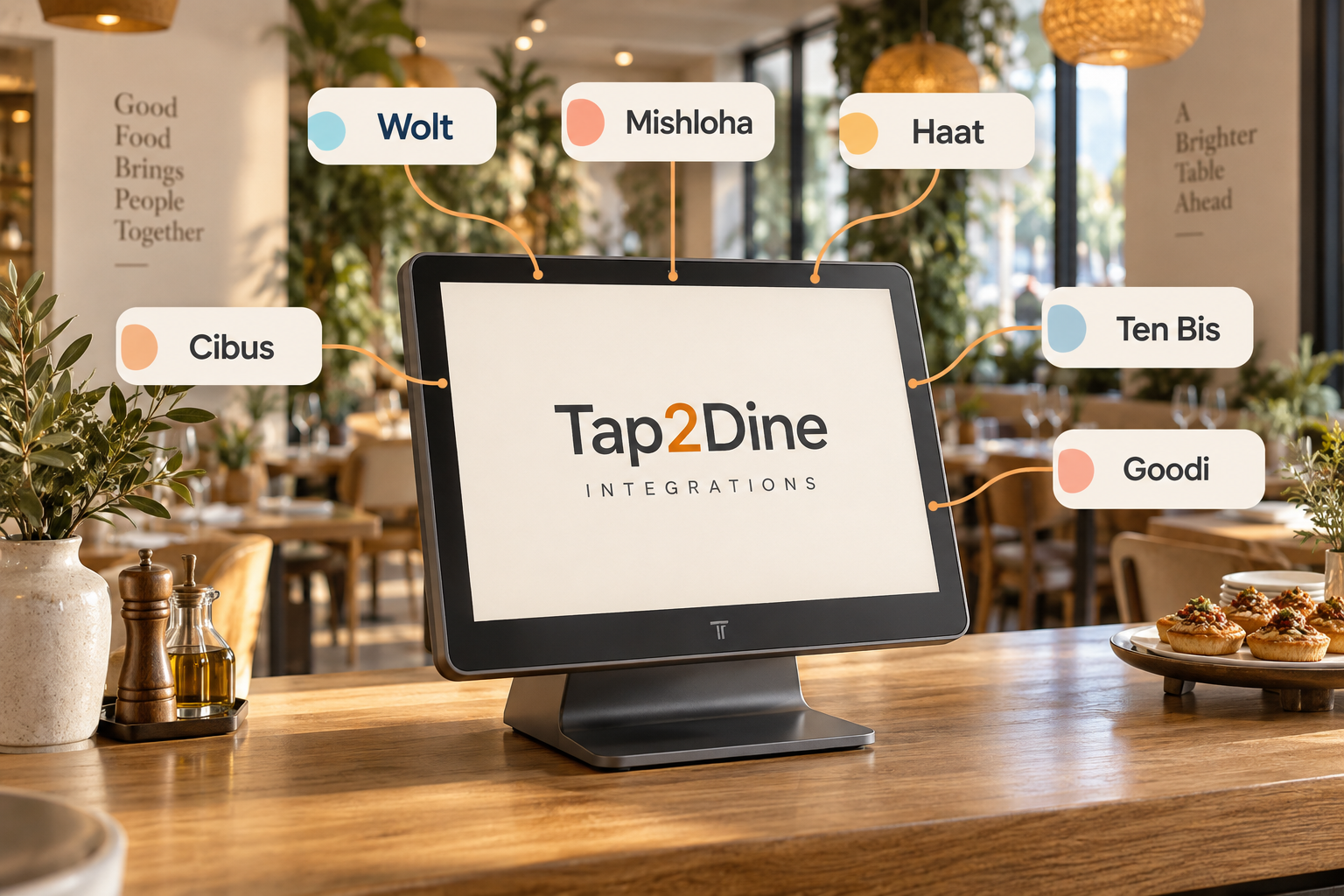 05
INTEGRATIONS
Connecting the POS to supported ordering and payment services helps reduce manual data transfer between systems. We check which connections and data transfers are available for your business.
More about integrations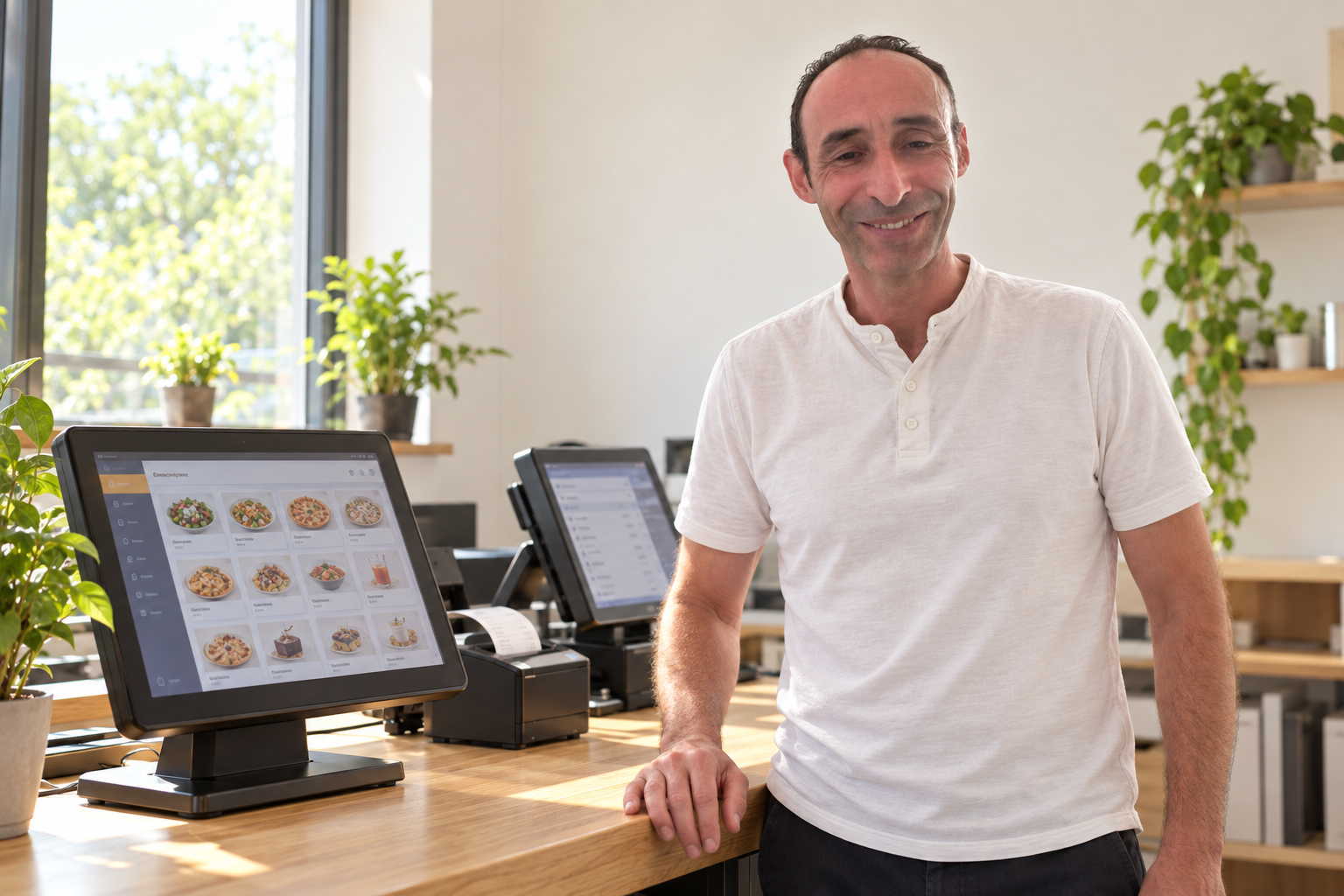 06
SETUP AND SUPPORT
Damka helps select the right solutions, configure the menu, equipment and workflow, train the team and test the order journey before launch. The system needs to work in your everyday shift, not just in a presentation.
More about setup and supportYou don't need everything at once. Start with the essentials: a POS, kiosk, online ordering or kitchen display — and build around your workload, menu and team.
REAL EQUIPMENT. WORKING BUSINESSES.
From the customer kiosk to the cashier's workstation, equipment should suit the space and the people using it.
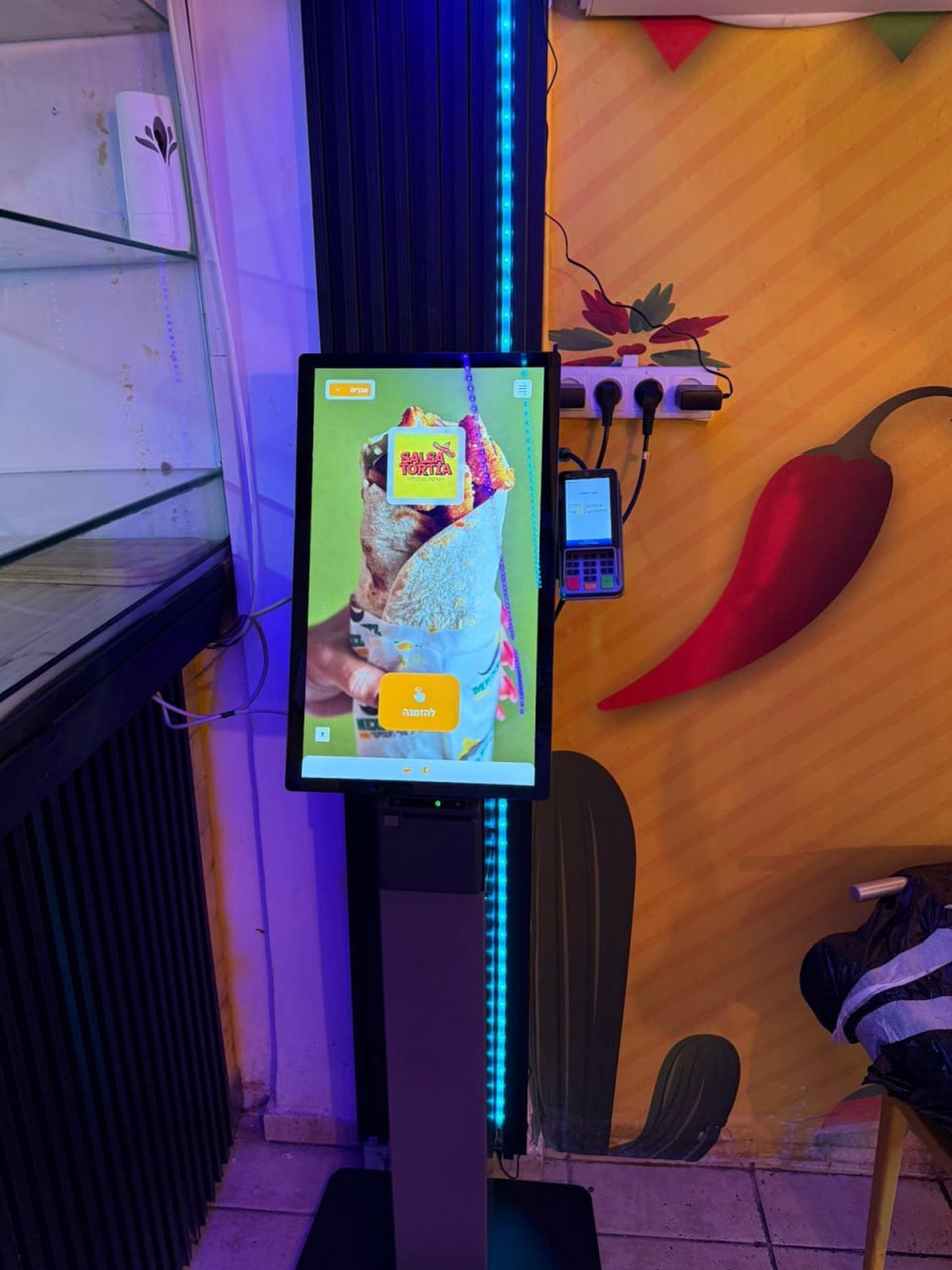
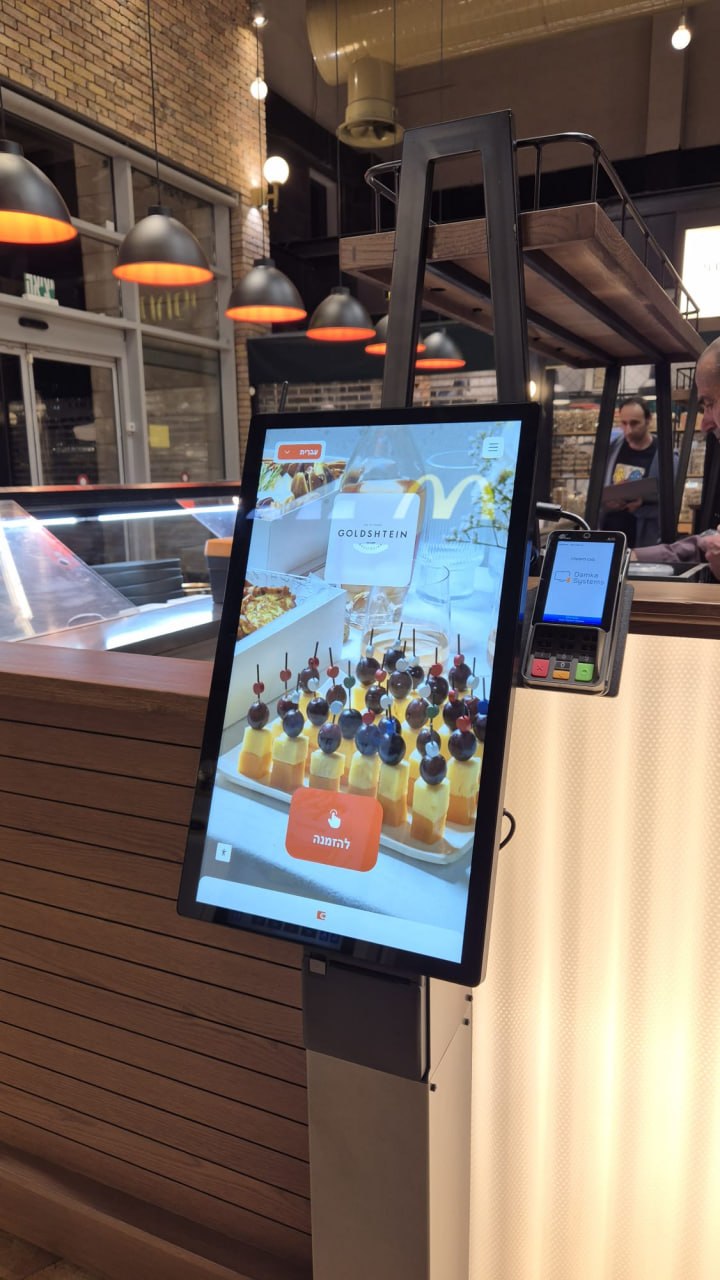
A self-service kiosk in a takeaway business.
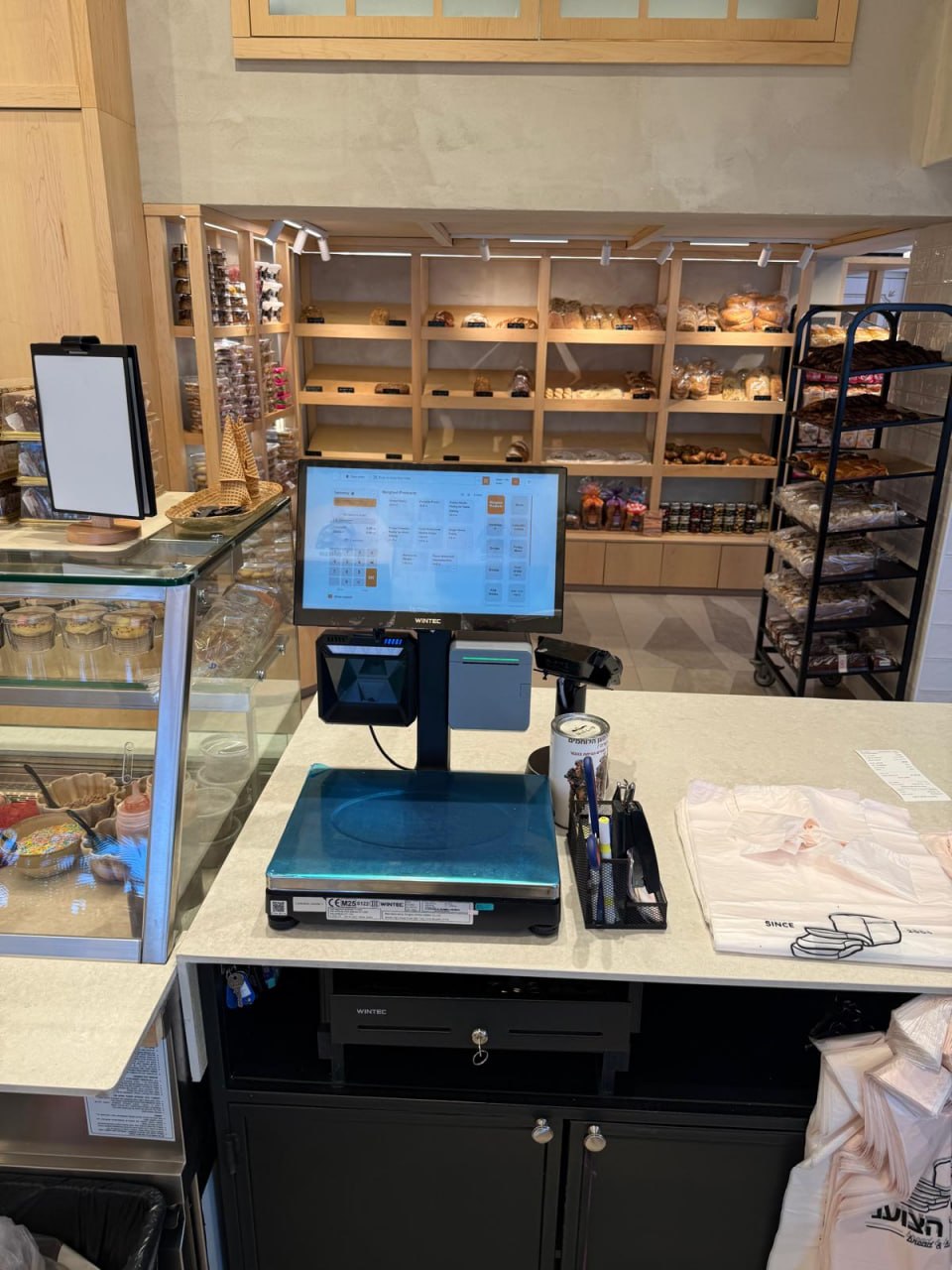
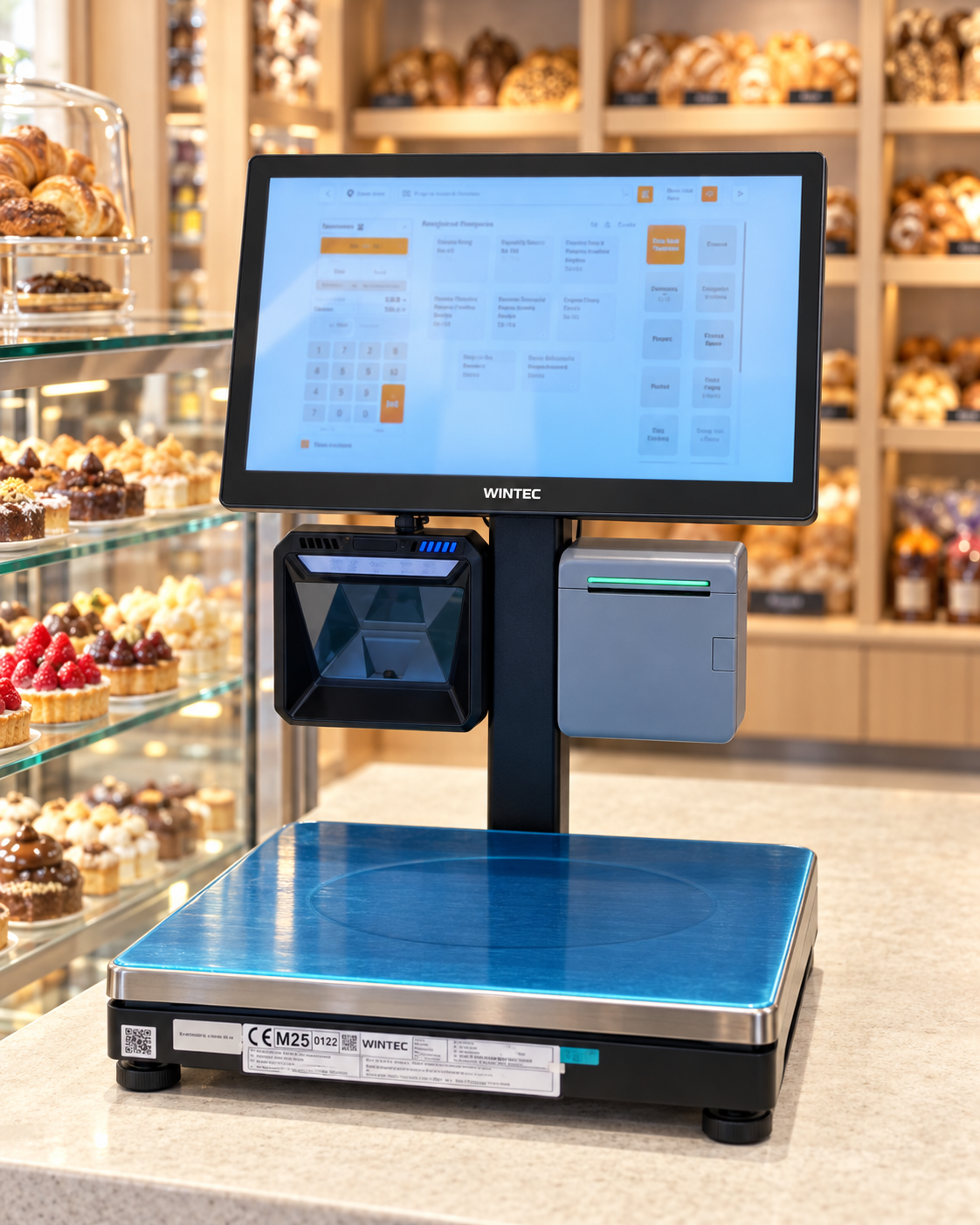
A cashier's workstation in a bakery.
The photographs show selected installations. Equipment, software and supported workflows are agreed separately for each project.
An owner can invest in advertising, the menu and an attractive display, yet still lose money during a busy shift: customers wait, the counter can't keep up, orders need clarification and the team is stretched to its limit.
When the queue is long, some customers leave. A customer who leaves means a lost order today — and a risk that they'll choose somewhere else next time.
The cashier takes orders, explains the menu, answers questions, makes changes, processes payments and keeps an eye on the queue. As the workload increases, so does the risk of mistakes, delays and frustration.
Details are easily lost when they exist only in a conversation, a note or a message. Clearer orders mean less unnecessary work in the kitchen and fewer unhappy customers at pickup.
When orders come from different places, the counter is overloaded, the kitchen needs clarification and employees keep asking questions, the owner is pulled back into the operational confusion.
When orders move faster and more clearly, the business can serve more customers without unnecessary pressure on the team. This isn't magic or a promise of instant growth — it's practical business logic: fewer delays during a shift, more opportunities to earn.
Just tell us how your business works today: where queues form, how orders arrive, what happens in the kitchen and where the team loses time. We'll use those details to find a solution that fits.
We look at how you take orders: at the counter, by phone, through messages, QR codes, your website or in person. The aim is to understand where orders come from and where the process slows down.
What we'll ask:
An order needs to do more than appear in a system. It has to be clear to the cashier, the kitchen and the person handing it over. We look at the dishes, extras, notes, payment methods and preparation steps that matter to your business.
The owner can see where a POS is needed, where a kiosk could help, when online ordering is enough and where a kitchen display would be useful.
One business should start with the POS. Another could add a kiosk for busy periods. A third needs to organise online orders. We match the solution to your workload, menu, team and budget to help your business run faster and more smoothly.
Your solution could include:
After a short review, you receive a clear proposal: which solutions you need, what's included in the launch, which services are priced separately and where to start if you don't need everything at once.
The owner can make an informed decision: what will change, why it's needed and how it should help the business work faster.
Tap2Dine doesn't leave you to choose between unfamiliar technical options. We turn the way your shift actually works into a clear plan: what to keep, what to add and what to set up first.
The cost is made up of the chosen solutions, equipment, connections, configuration and support. First we'll identify what your business needs, then prepare a quote.
POS, kiosk, QR or online ordering, kitchen display — one solution or several working together.
POS, kiosk, kitchen display, installation location, workload, screen, payment setup and the team's workflow.
The number of POS stations, kiosks, displays, branches and staff affects the scope of the solution.
Menu, prices, extras, images, payments, order routing to the kitchen and team training.
The scope of support depends on the number of ordering channels, devices, workstations and branches.
Before replacing a POS, adding a kiosk or launching online ordering, an owner needs to know: will it fit the business, what will it cost, and will it create another headache for the team?
That's why we first look at how your business works today, then explain what could actually help.
No. It's often better to start where you're losing the most: the POS, the queue, online orders, the kitchen or order handover.
One business may only need to organise the counter better. Another could add a kiosk during busy periods. A third needs a clearer way to handle orders from customers' phones.
The aim is to choose what will benefit your business, rather than install everything available.
Yes, if you handle orders, have queues, offer takeaway, run a kitchen or receive orders through several channels.
Tap2Dine is especially useful where fast service and accurate order details matter, and where the whole process shouldn't depend on the cashier or owner alone.
No. That's exactly what the demo is for.
You explain how your business works, and we show you which solutions could fit and why. If you don't need a kiosk, we won't start with one. If organising your POS or online orders is more important, we'll start there.
The cost depends on your needs: the solutions and equipment required, your order volume, workstations and branches, what needs to be configured before launch and the support needed afterwards.
That's why a free demo is a good place to start. There is no advance payment for the demo: we'll look at how your business works, show you suitable options and explain the likely budget.
You can then decide whether the solution is right for you now, where to start and whether the cost fits your business.
Tap2Dine is intended to make the shift clearer, not more complicated.
That's why menu configuration, order routing, staff training and testing during a real shift matter just as much as the software and equipment. Taking, preparing and handing over orders should become easier for staff, without unnecessary complexity.
Tap2Dine doesn't promise miracles or replace advertising, your menu or business management.
But if you are losing orders because of queues, manual entry, confusion between the counter and kitchen or an overloaded team, the system can help reduce those problems.
When ordering is easier, the counter works faster, the kitchen sees the details and the team can handle more, the business has more opportunities to take orders and grow sales.
If you feel your business could take orders faster and work in a calmer, more organised way, start with a short, free demo.
We'll review your needs, show you possible solutions and explain where to start without unnecessary purchases or complexity.
FREE DEMO
Tell us how you work today: where you take orders, when queues form, how orders reach the kitchen and what most often slows down a shift.
We'll review your needs and show you what could help: a POS, kiosk, QR or online ordering, a kitchen display, menu configuration, equipment and support after launch.
You don't need to understand the systems in advance. Just show us how things work today, and we'll explain where to start and what it will cost.
Queues at the counter, orders in messages and phone calls, manual entry and confusion between the POS and kitchen.
For example, adding a kiosk, simplifying checkout, connecting online ordering or making the kitchen display easier to work with.
Only what suits your workload, menu, team and budget.
After a short review, you'll have a clearer idea of what's included in the launch, the equipment you need and where to start.
Tap2Dine helps businesses take orders faster, ease the load at the counter, send clearer details to the kitchen and give owners more control over the shift.
Want to understand where time, orders and money are being lost? Start with a short demo.
Dmitry, Damka Systems. I'll help you choose and launch a Tap2Dine solution for your business.
After you submit the form, we'll contact you, clarify the details and show you which Tap2Dine solutions could suit your business.
Can't see the form? Open the form in a separate tab